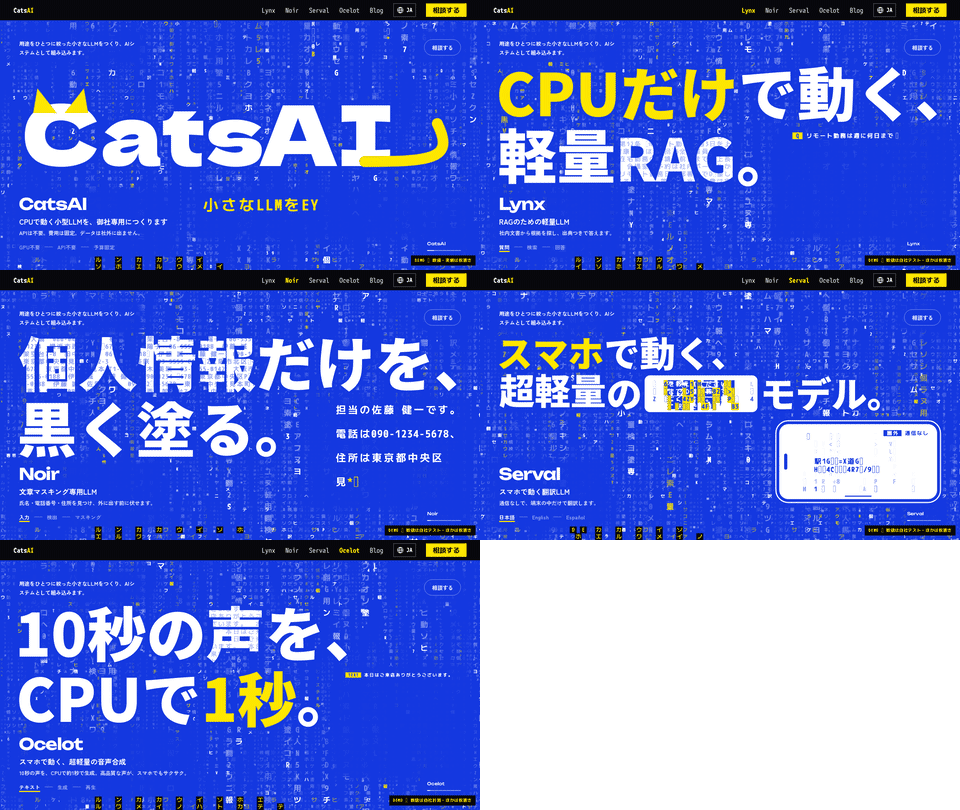
Sample Blog Post: All Formatting and Attachments
This sample article lets you check Markdown formatting and how images, videos, audio, and other files are displayed.
This is a sample article for checking how the blog is displayed. It includes all the Markdown formatting and file types that can be attached.
Text Formatting
This is regular text. You can use bold, italics, strikethrough, and インラインのコード. Links to external sites can be written like CatsAI on Hugging Face. Links within the site can be written like the Lynx page.
This paragraph checks how long text wraps. CatsAI builds small AI models focused on a single purpose. Every model runs on an ordinary CPU without a GPU, so you can process documents entirely on your own machine without sending them anywhere.
Bulleted List
- Lynx: Answers based only on the documents provided
- Noir: Redacts personal and confidential information
- Japanese
- English
- Serval: Translates between 10 languages
- Ocelot: Reads text aloud in 20 languages
Numbered Steps
- Write the article in Japanese or English
- Attach files and add them to the body
- Click “Publish”
- It is translated into 19 languages
- A title image is created
- It is published when everything is complete
Checklist
- Create a draft
- Attach files
- Check how it looks after publication
Quote
Small models can run anywhere because they focus on a limited set of tasks.
This is the second line of the quote.
Code
# llama.cpp で Lynx を起動する
llama-server -m models/lynx-0.8b-Q4_K_M.gguf -c 8192 --jinja -t 8 --port 8080
import lynx

r = lynx.answer(text, "有給休暇は何日ありますか。", lang="ja")
print(r["answer"])
Table
| Model | Task | Size | Languages |
|---|---|---|---|
| Lynx | Answers based on documents | 0.8B | 20 |
| Noir | Identifies content to redact | 0.8B | 2 |
| Serval | Translation | 1.8B | 10 |
| Ocelot | Speech synthesis | 21M | 20 |
Images
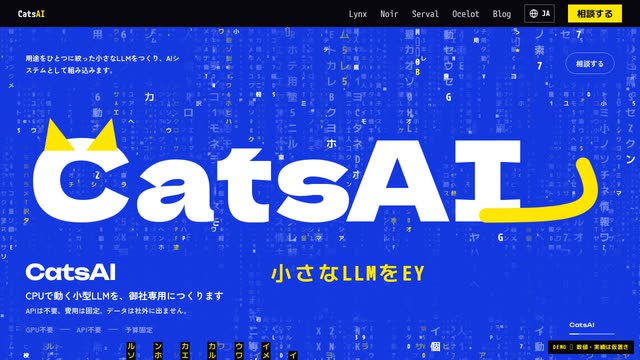
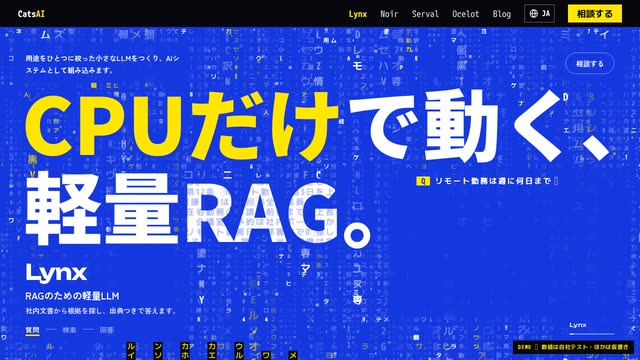
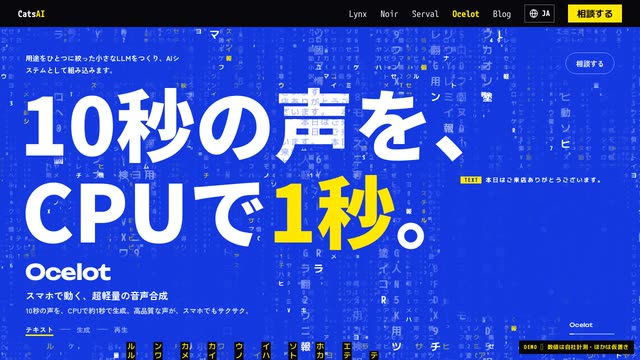
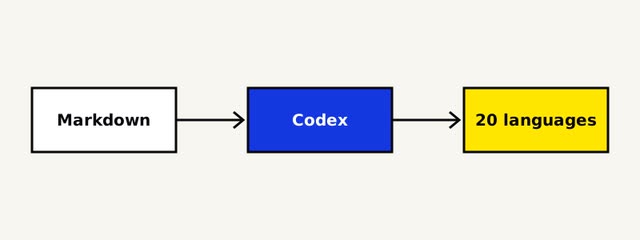
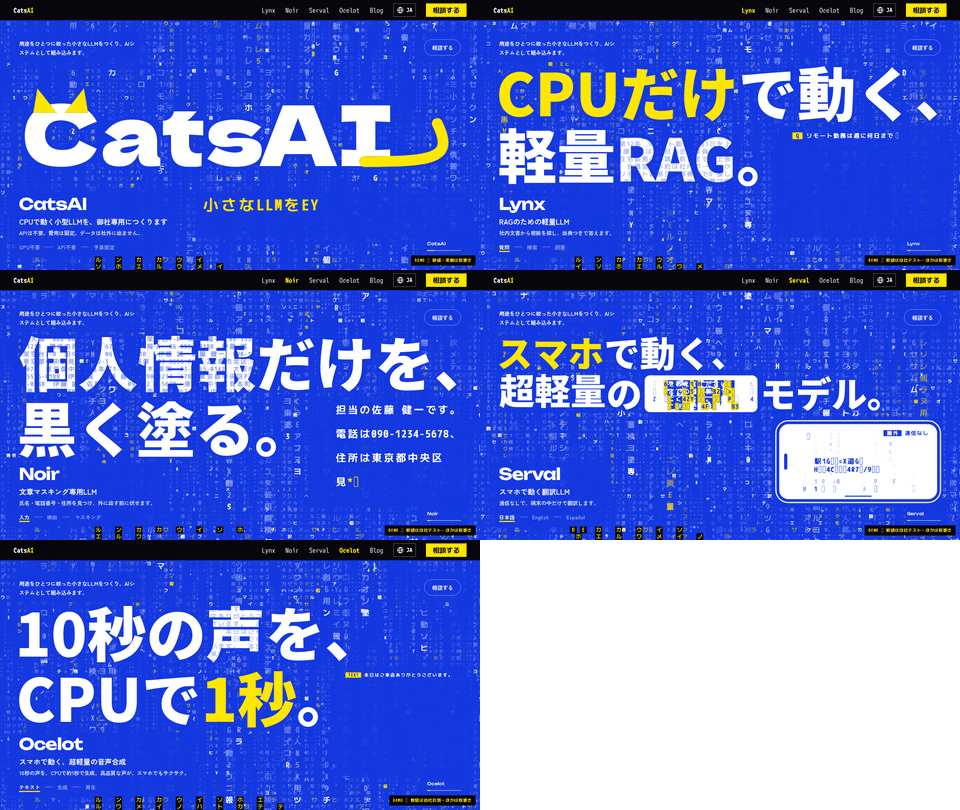
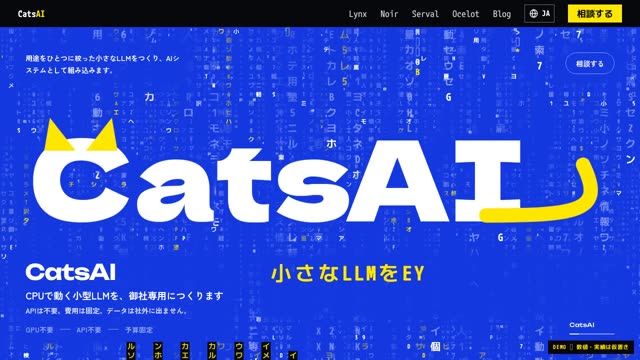
Images are displayed as thumbnails. Click one to open it at full size. While it is open, you can use the left and right arrows to move between images and videos.
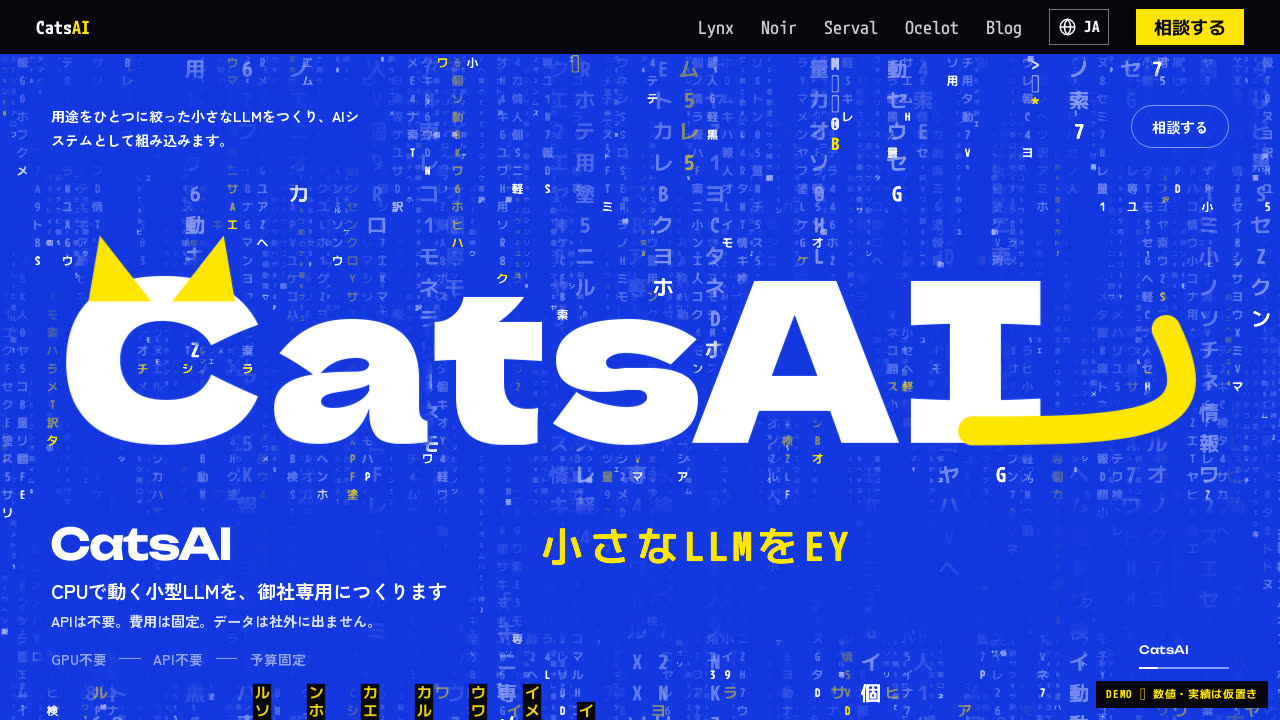
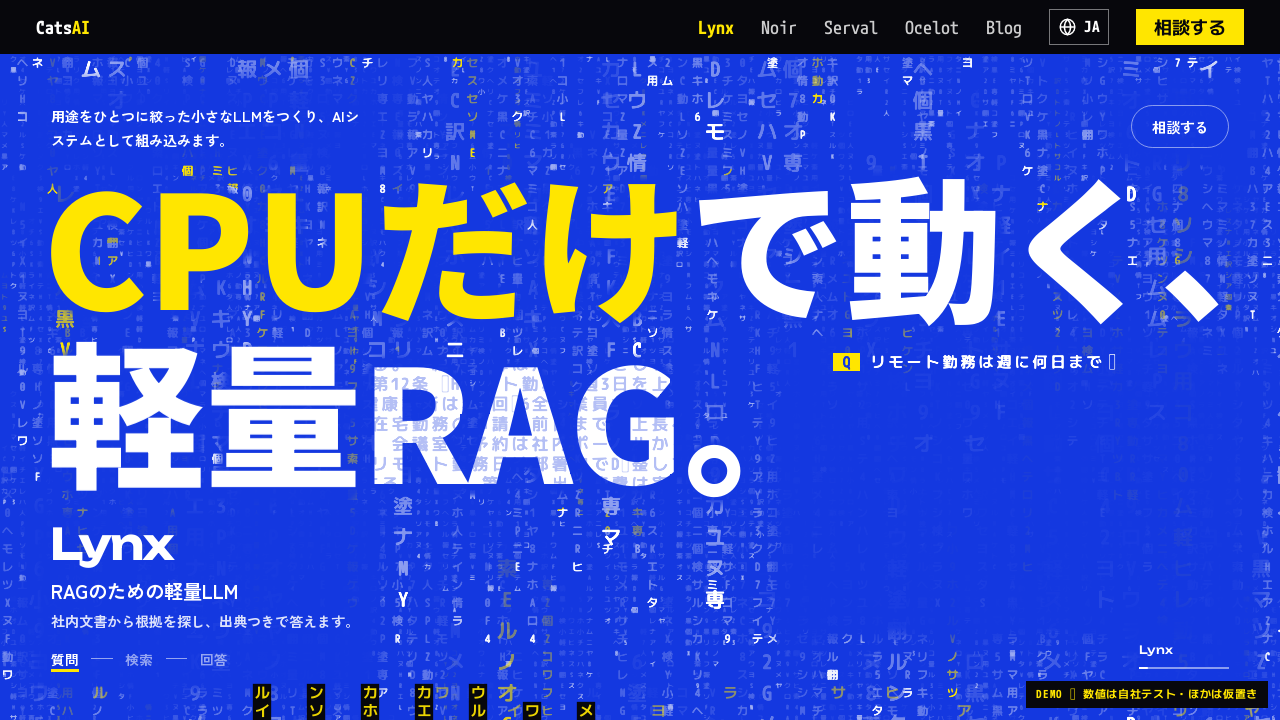
Images placed one after another appear side by side.
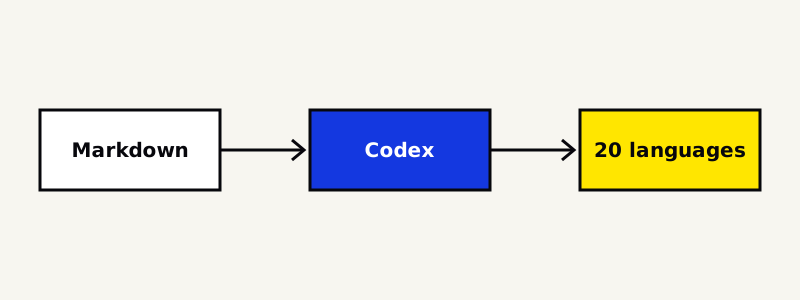
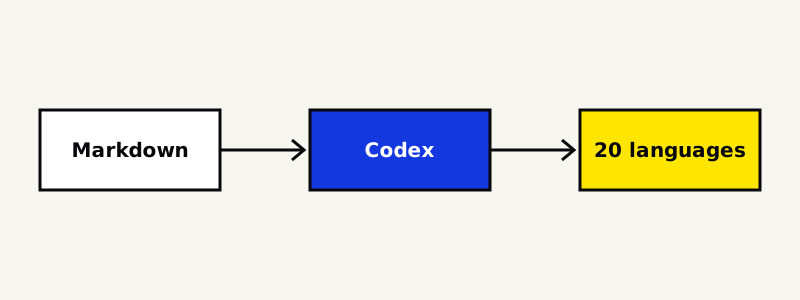
Animated GIFs and SVGs are also supported.
Videos
Videos are also displayed as thumbnails. Click one to open it in place and play it at a larger size.
 0:12
 0:06
Audio
Audio can be played in place. All three recordings are read by Ocelot.
Other Files
Files other than images, videos, and audio are displayed as download cards.
You can also place download links within a sentence, such as a text file or JSON file.
Attachment List
All files attached to the article are listed below. Files not included in the body can also be downloaded from here.